Many municipalities use a link with the AD. Logging in via AD is different from logging in with a Fixi account. Via the link you will be redirected to the login page of your own organization after you have entered your e-mail address when logging in with a Fixi account.
Choose to log in with Fixi account and then enter your e-mail address with which you always log in within the municipality.
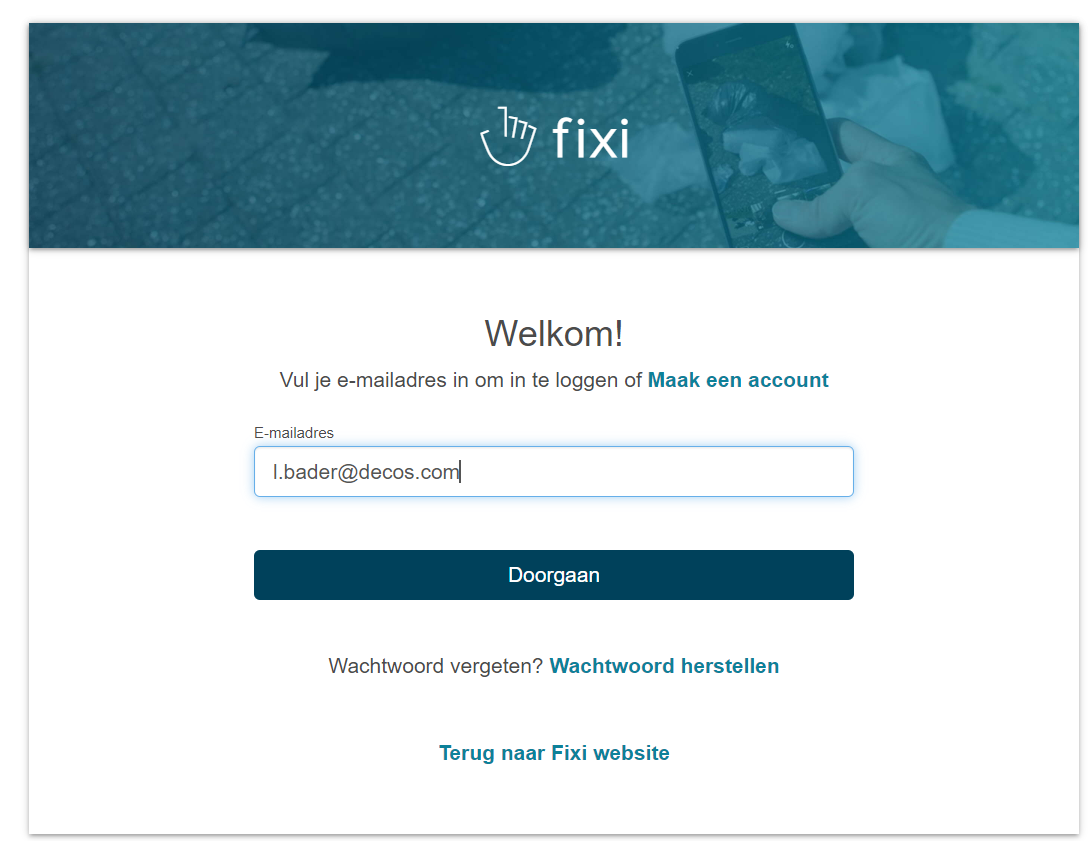
Click continue and you will be redirected to the login page of the municipality. Enter your e-mail address again and then your password.
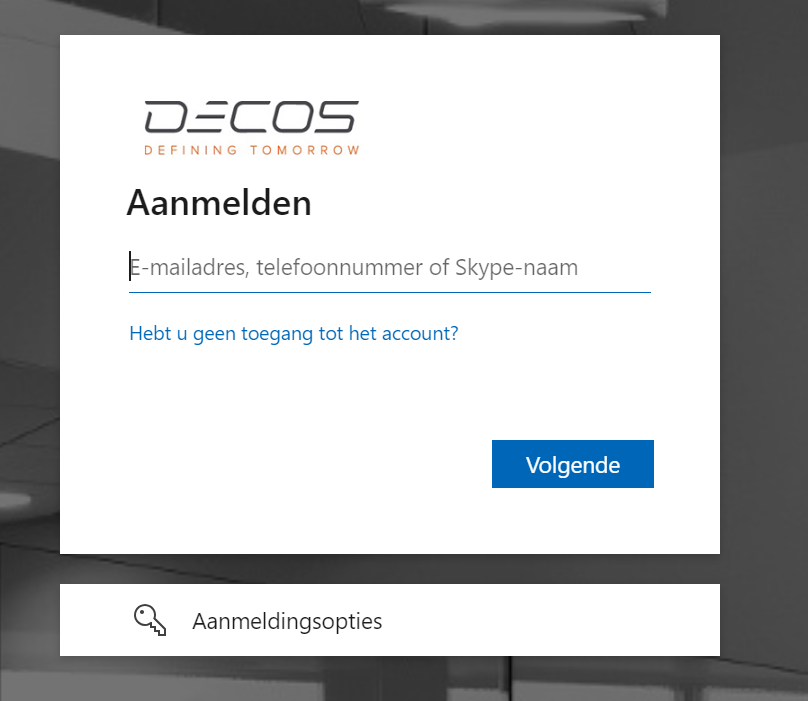
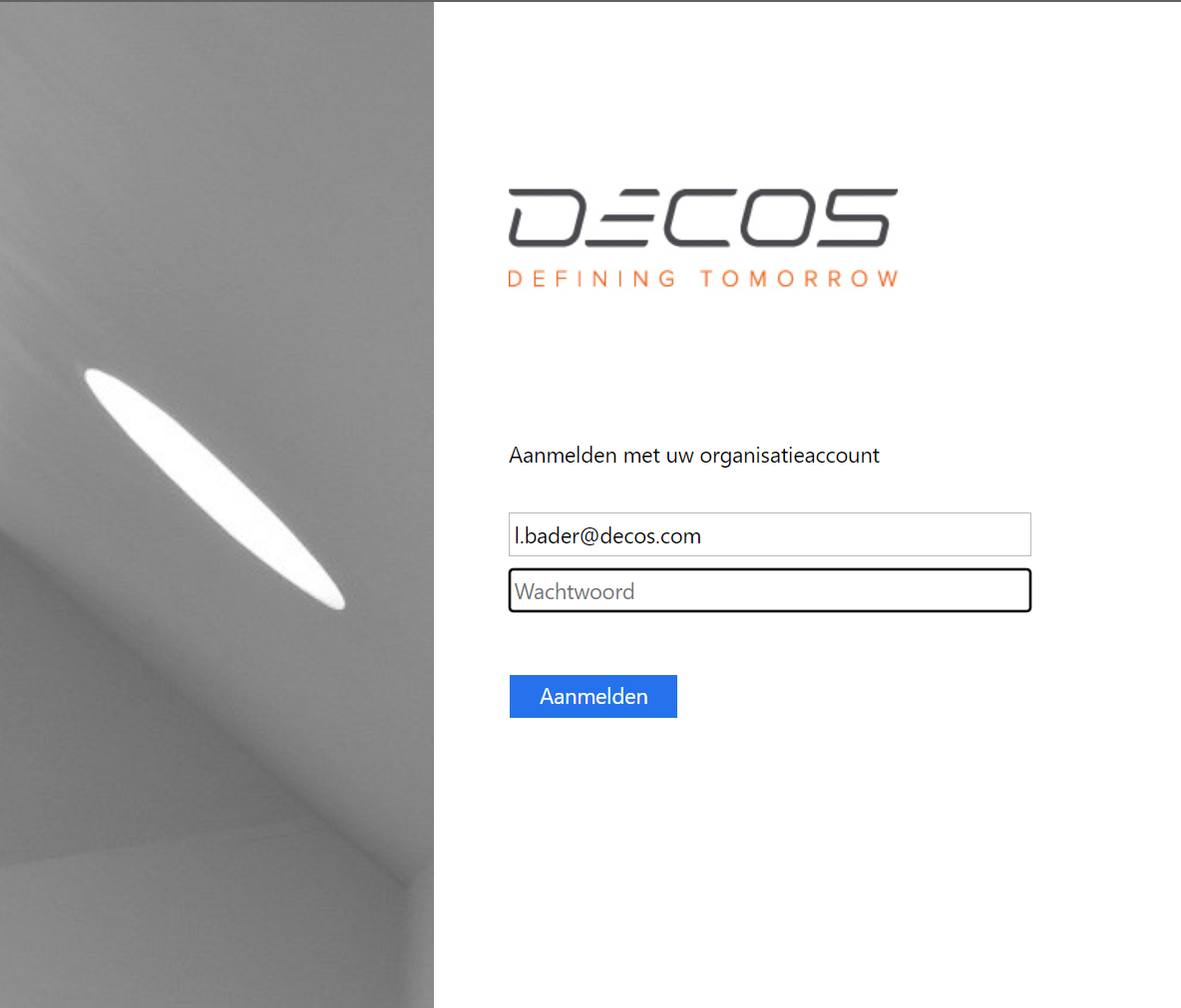
If your organization has set up that you have to log in with 2 factor authentication, you will then receive the extra step for logging in.
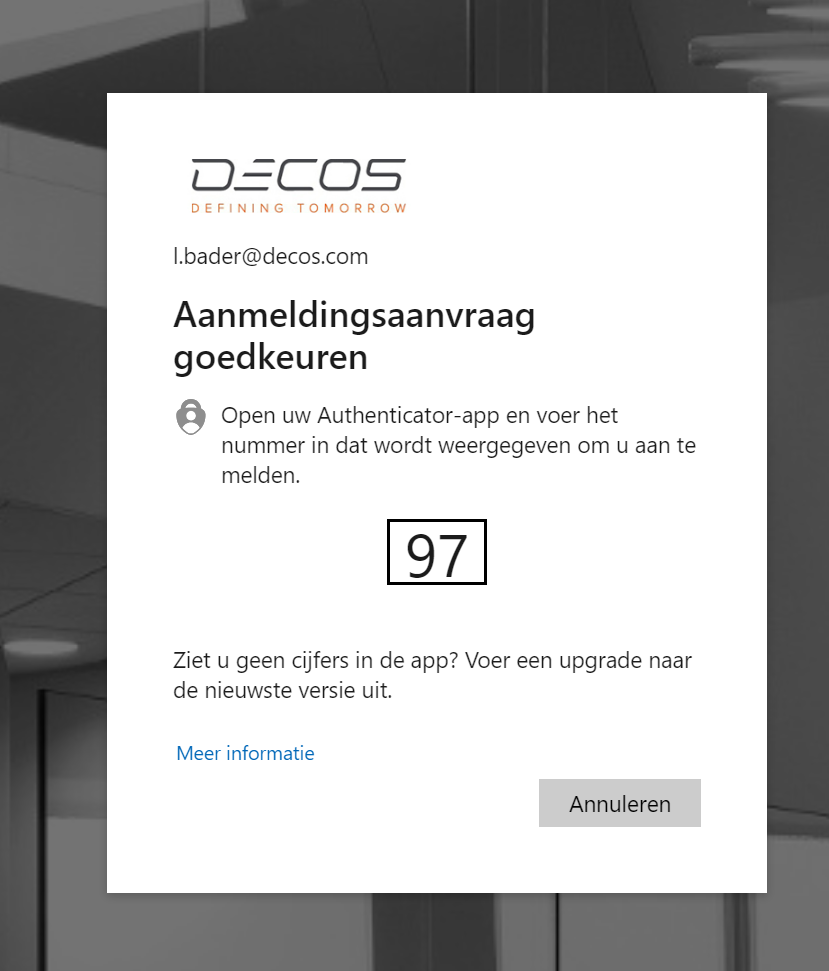
After following this step you are logged in and you can start working in Fixi!
The email address and password for this way of logging in is the same as your organization’s setting. When the password is changed in Outlook, for example, it changes with Fixi.