¶ Task Center
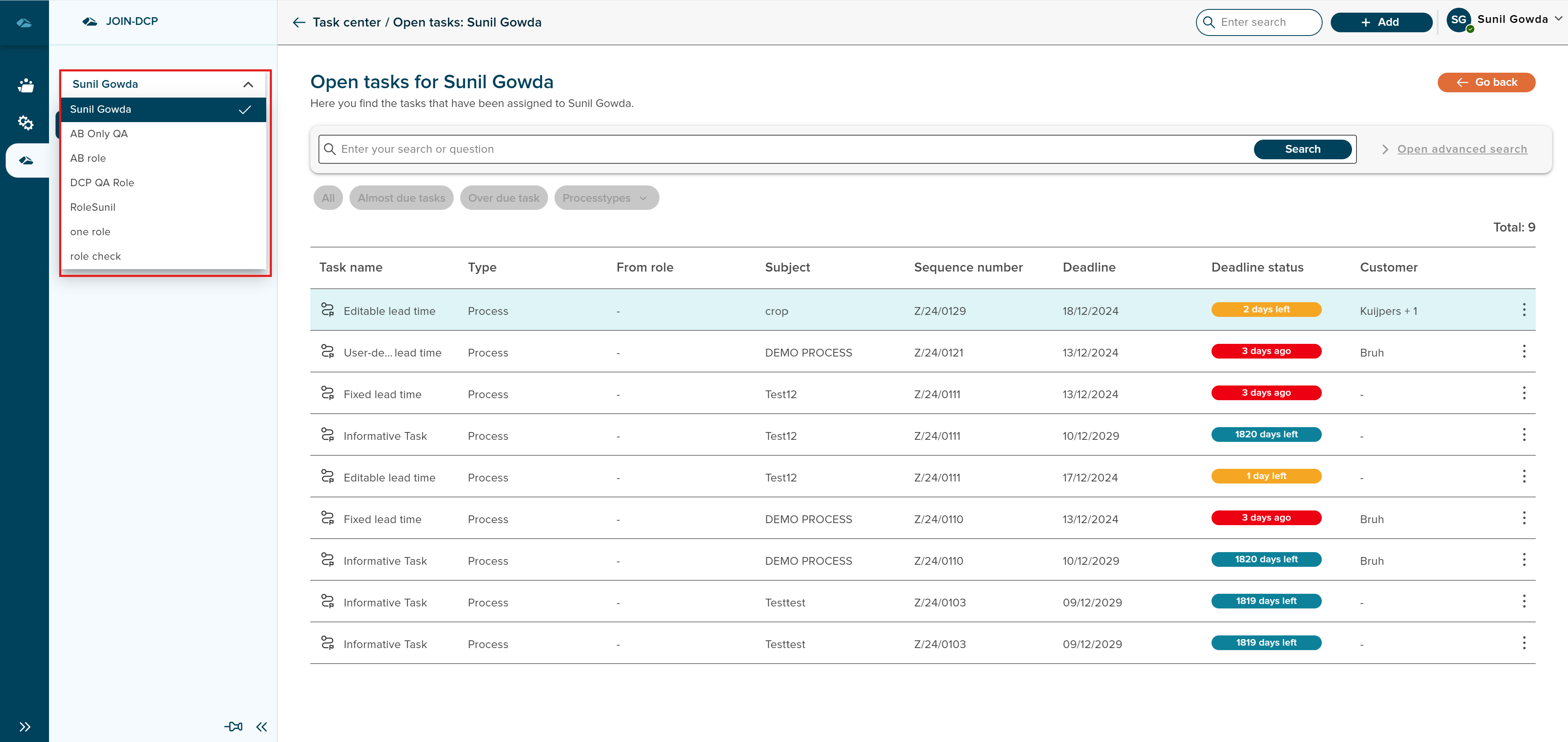
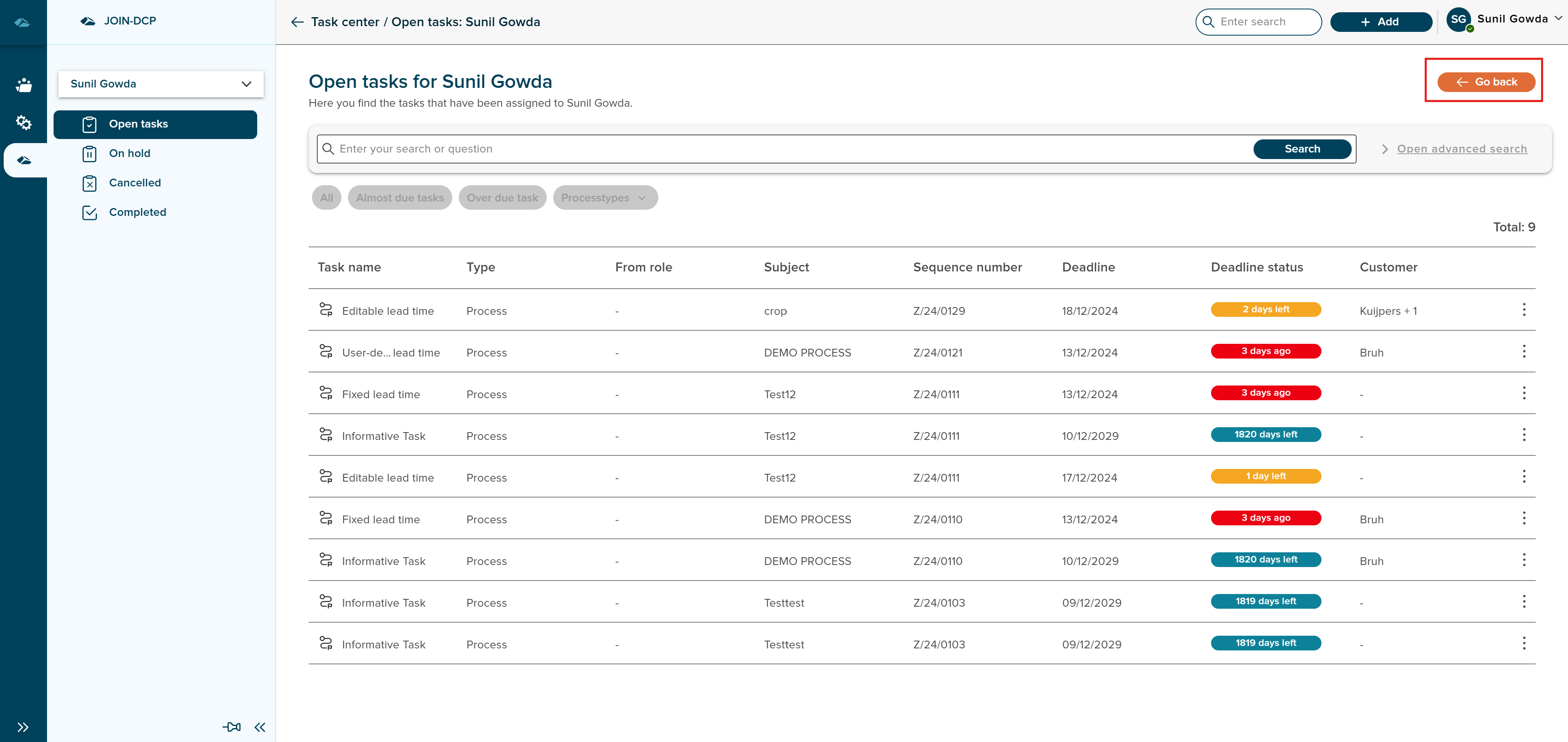
User can land on this page from navigation page by clicking on task center option.
After the click, user by default lands in the Open Tasks Page assigned to that user.
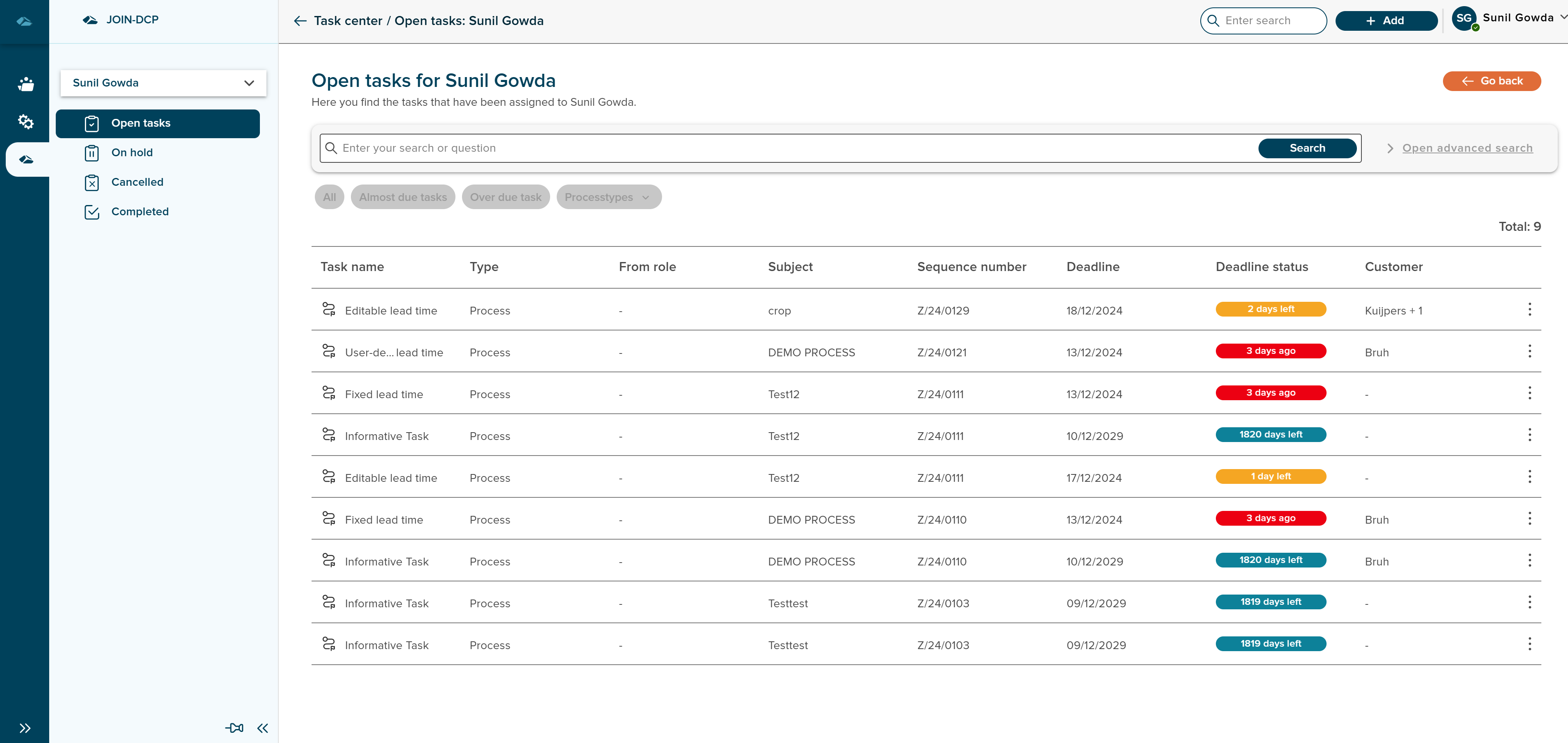
User can also choose to see other tasks which are assigned based on the status, for eg On Hold, Cancelled, and Completed.
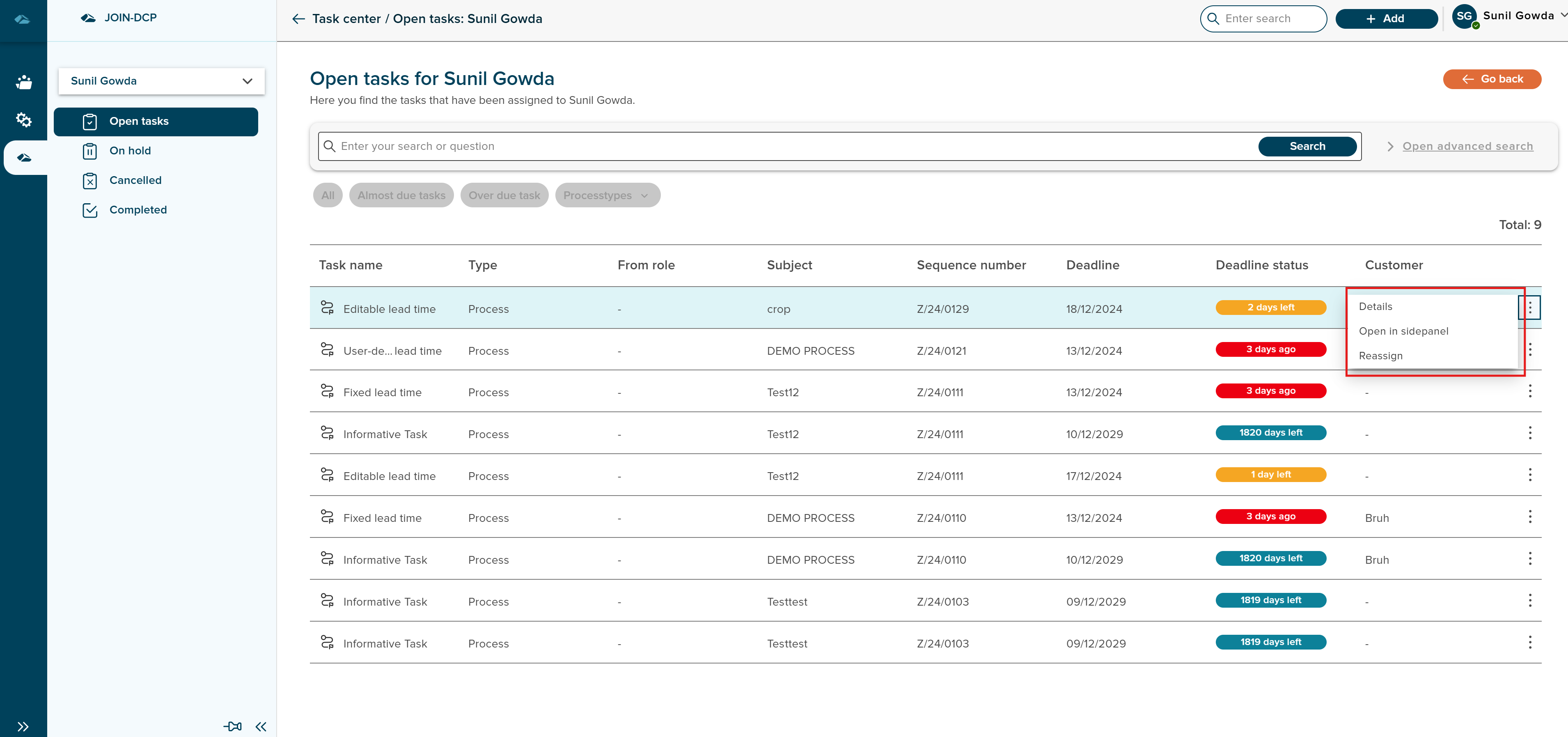
Each of the Tasks that are displayed in the Task center has Kebab menu, and options they are Details, Open in Side panel and Reassign. Reassign option is only available for Task which are already assigned to that user.
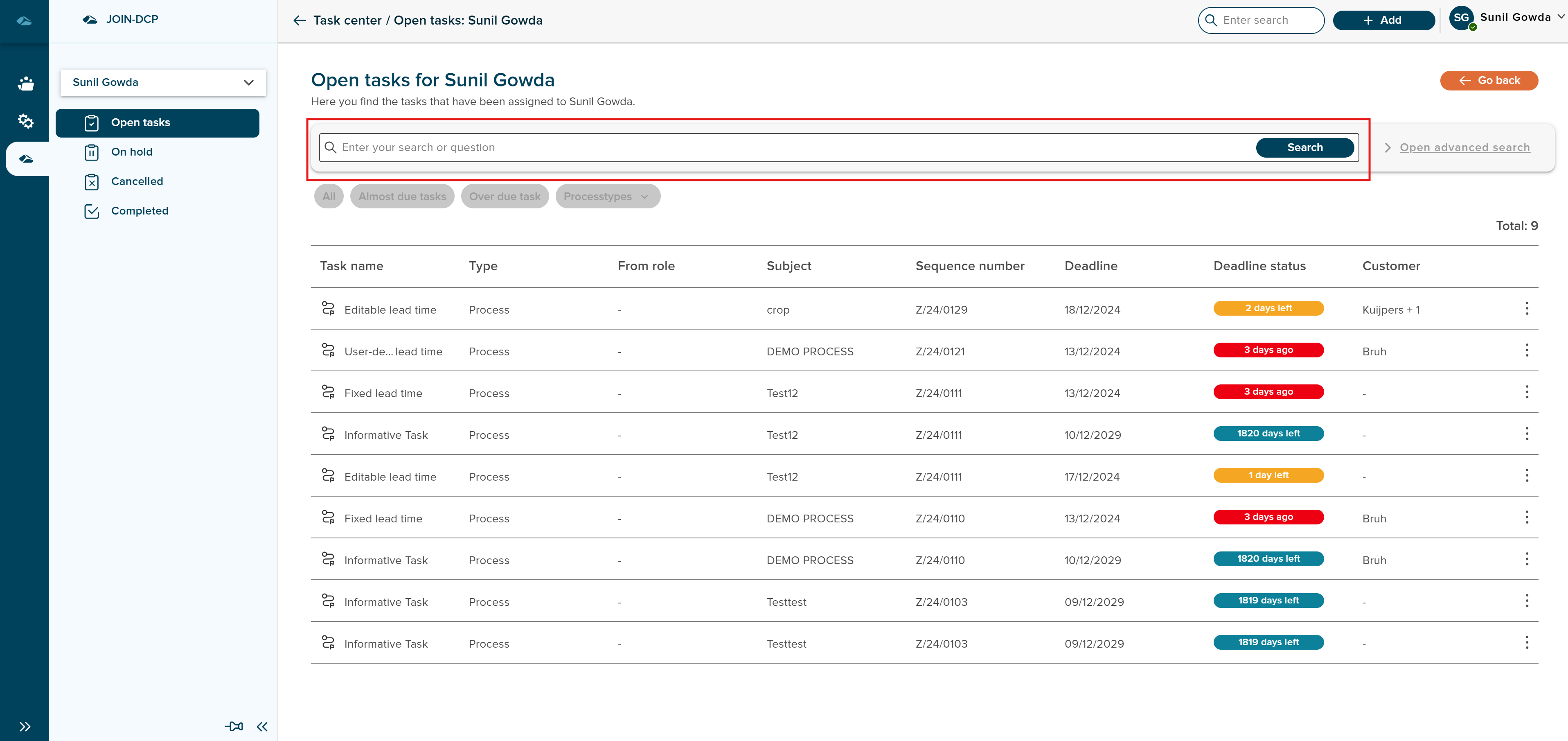
User can also use the search field to search the specific tasks by inputing keywords.
User also has the option exit the task center by clicking on the Go Back button in the top right corner.
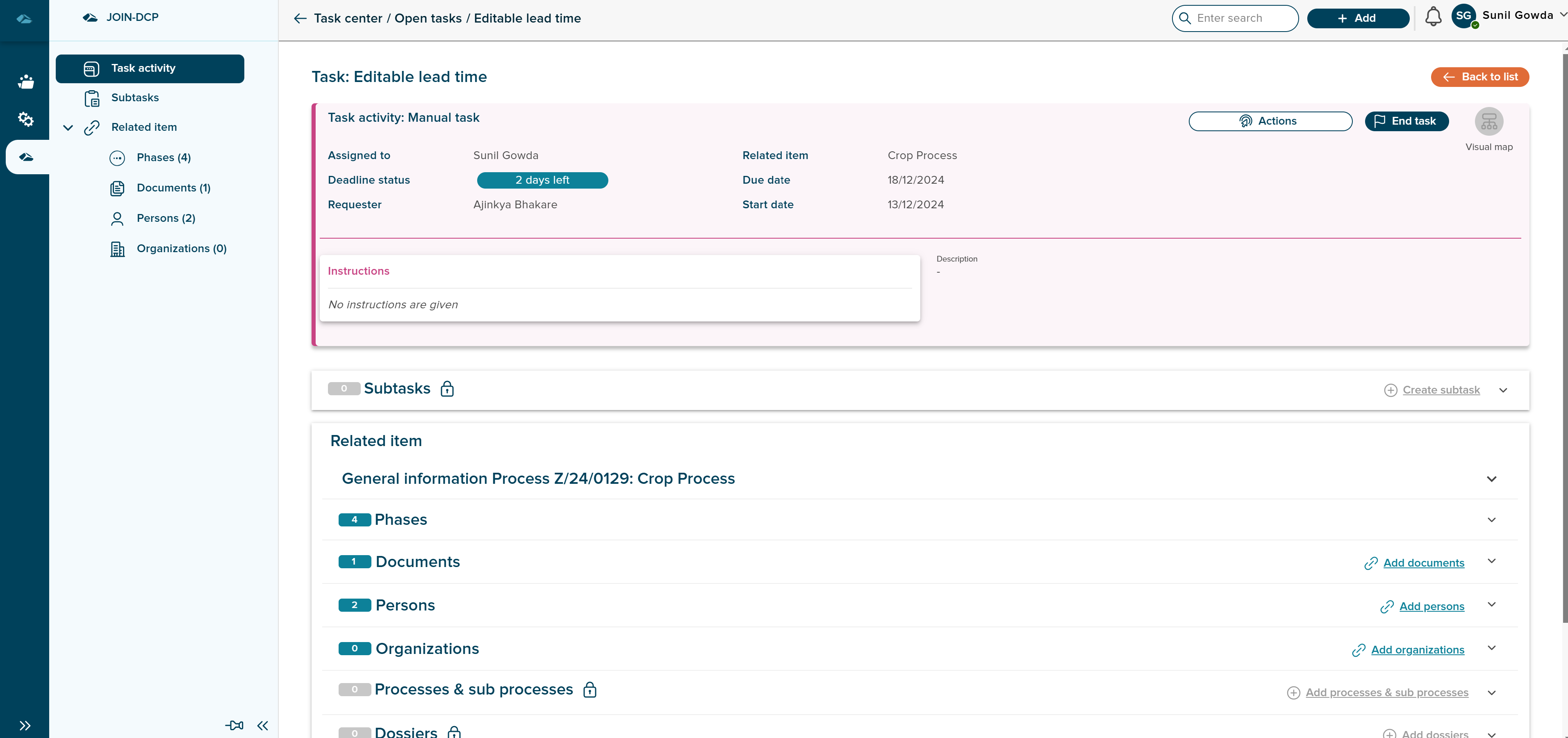
User can click on the task and navigate to details page of the tasks to see the details of it. Details page of the task looks like this
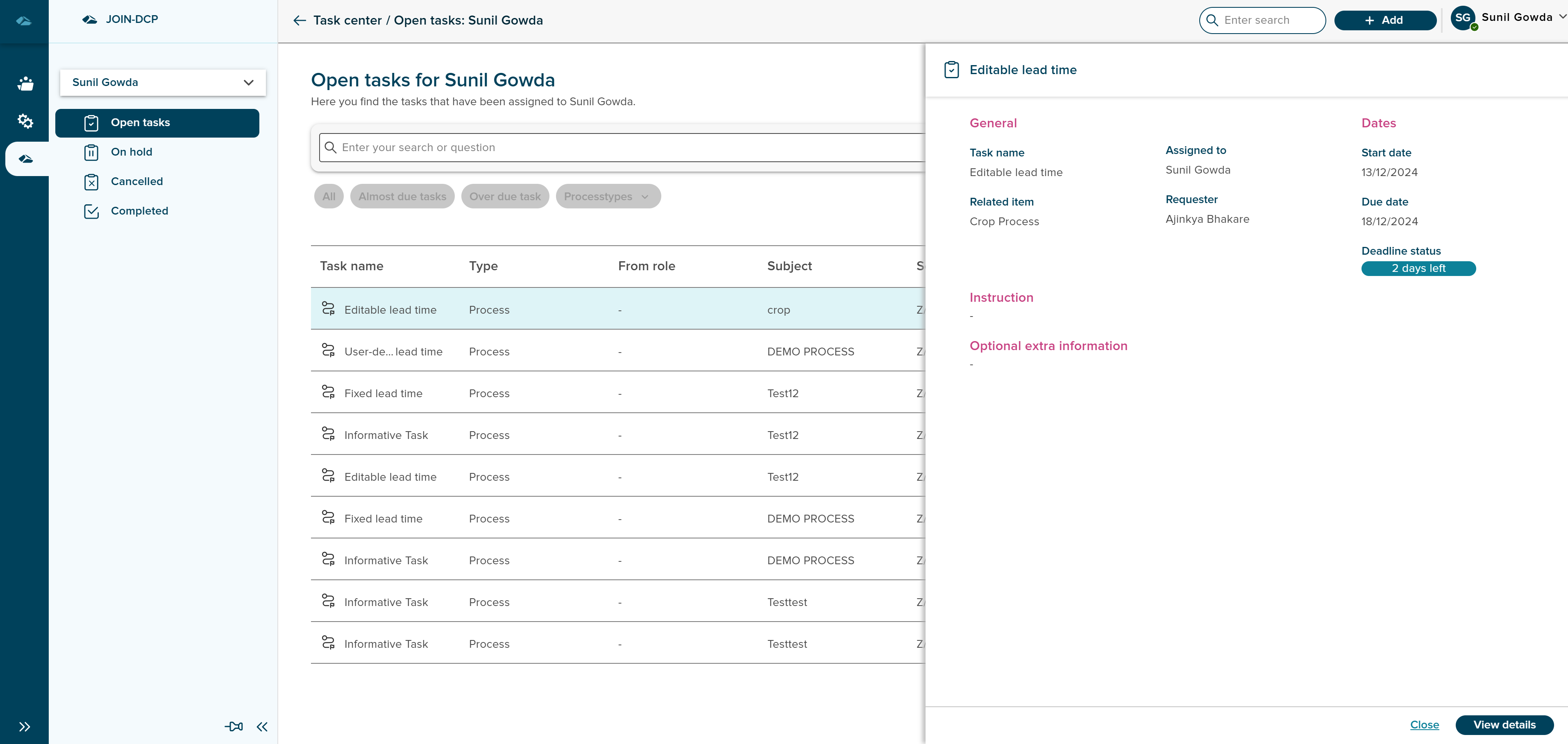
User can open the details of task in sidepanel by clicking on Open in side panel option from kebab menu. And also user can click on view details button to navigate to details page and close button to close the sidepanel.
User will be able to access Tasks based on Different Roles. By clicking on the Name of the user in the submenu, a dropdown opens up to show, different roles that user is part of. User then can select the Role and See the Tasks assigned.