¶ Notifications
The logged in user can view all or project specific notifications on this page.
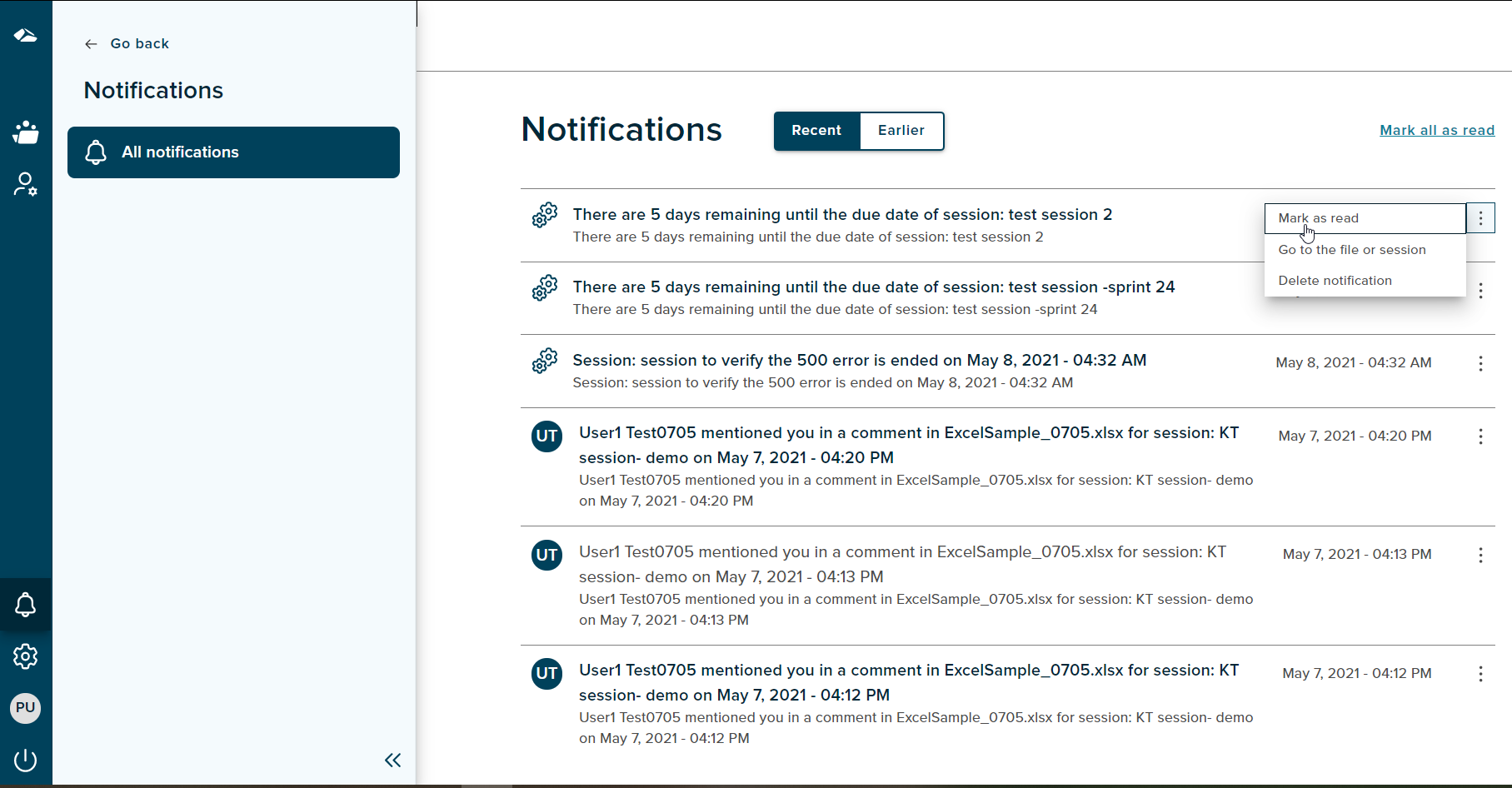
The menu on the left includes ‘Go back’ link, Notifications title and ‘All notifications’ menu item. All notifications item consists of ‘Collaboration’ and ‘Fixi’. The ‘All notifications’ menu item is highlighted on this page.
All the notifications are now displayed under ‘All notifications’ page. Projects ‘Collaboration’ and ‘Fixi’ are under implementation. It shows Coming Soon page as of now.
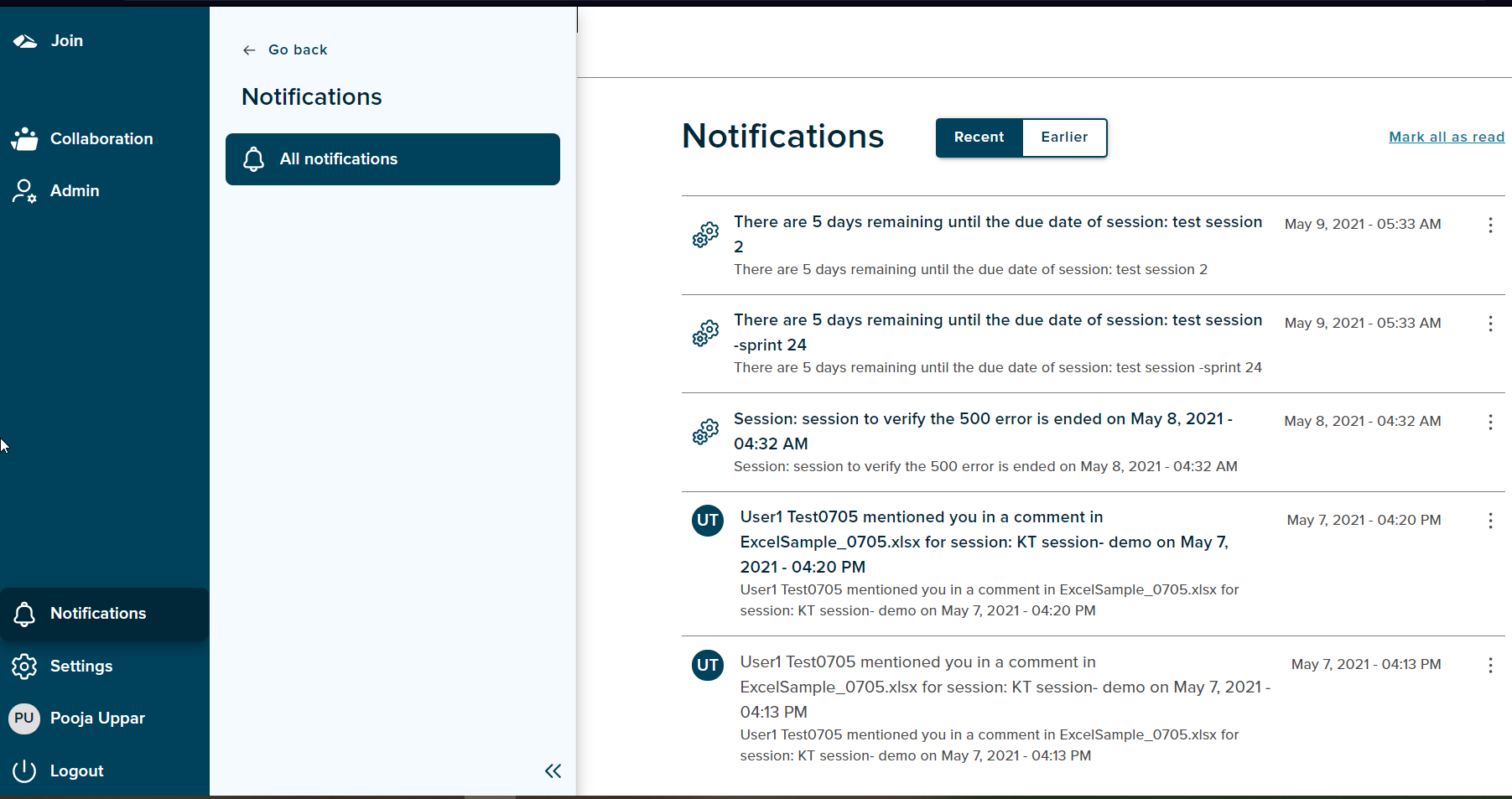
The notifications are displayed into two sections:
-
Recent
This consists a list of notifications received within a week. -
Earlier
This consists of notifications that are older than one week.
A in-app notification and email notification is triggered on the following actions:
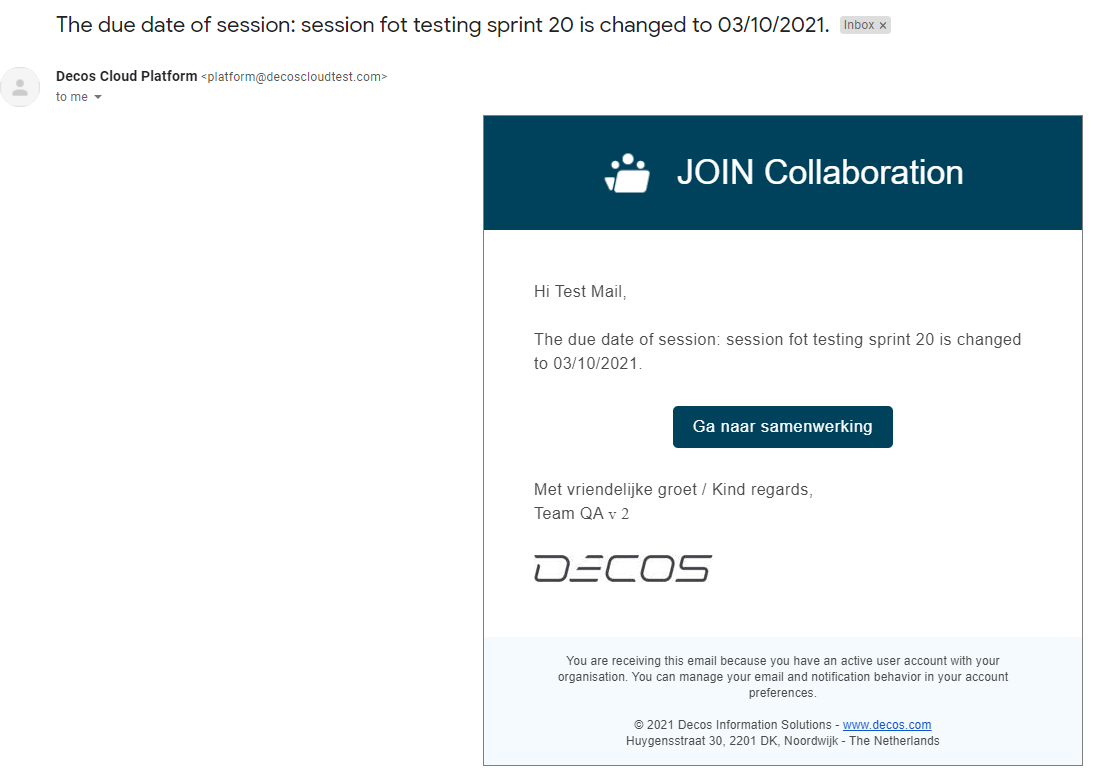
- Change of a Due Date
When a session initiator changes the Due date on the Session Details page, a notification is sent to all the participants of the session. On click of 'Go to session’button in the email, the participant is taken to session details page.
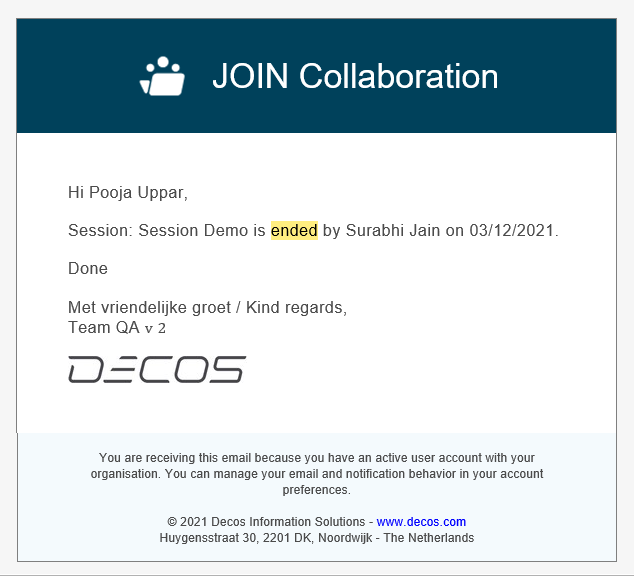
- End Session
When a session initiator ends the session,a notification is sent to all the participants of the session. If a collaboration admin user, ends the session from the manage sessions page then a notification is sent to the session initiator and all the participants of the session. The email notification is shown below.
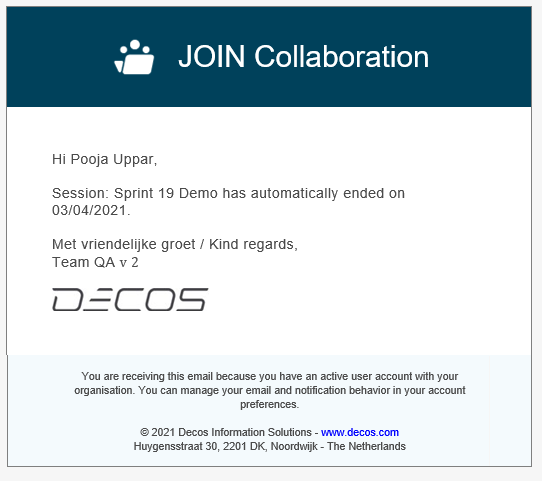
- Auotmatically ended session
When the session due date is reached, the session is ended automatically and a system in-app notification and a email notification is sent to all the contributors of a session. The email notification is shown as below.
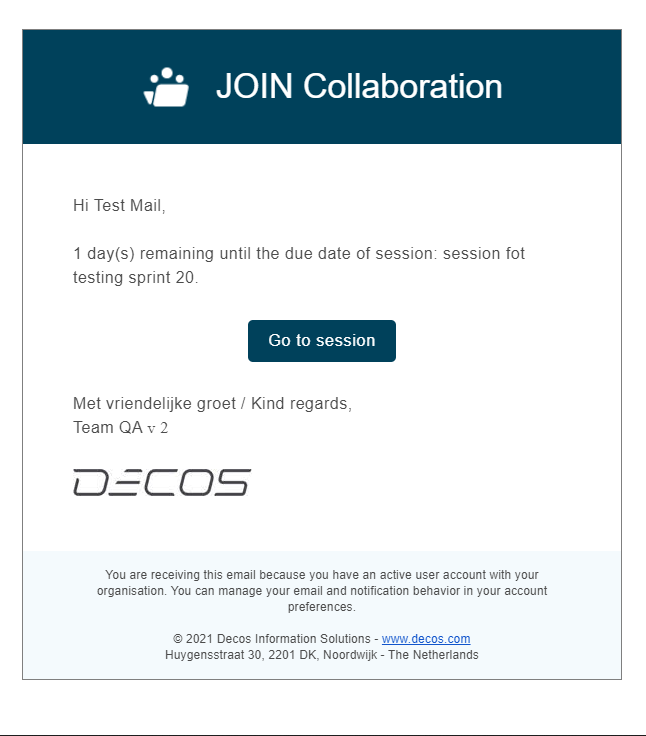
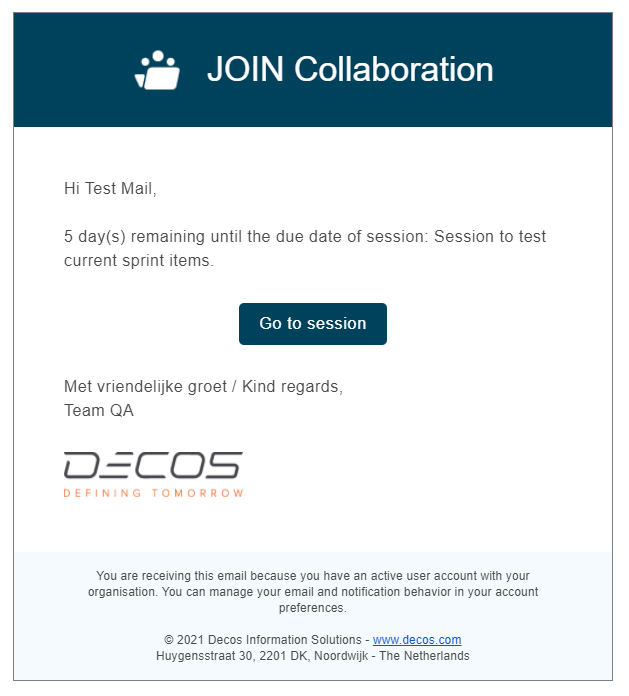
- Due Date Reminder
When the Due date is near one day and five days for a session to end, a notification and an email is sent to the session initiator and all the participants of the session. On click of ‘Go to session’ button, the participant is taken to the session details page.
- Reply to a comment
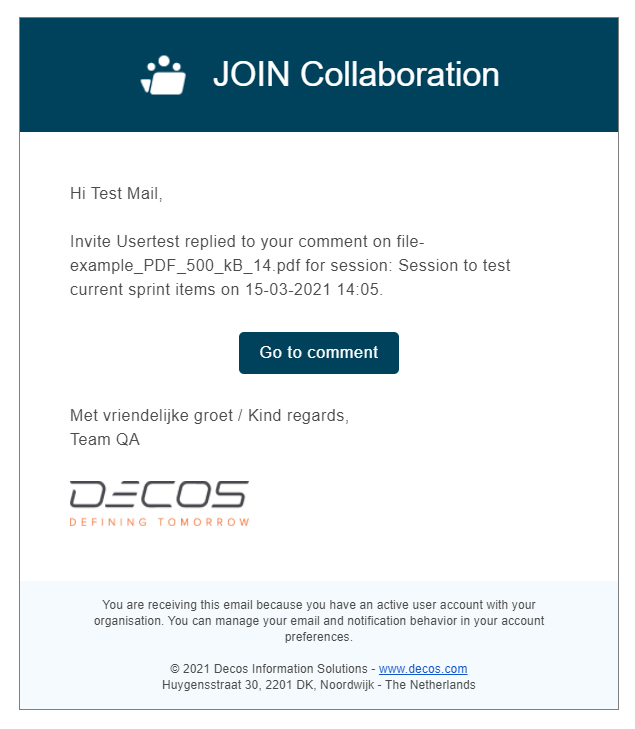
A user will recieve a notification when another user replies on any of his comments. For e.g. If a participant A replies to a comment sent by participant B,then participant B receives a notification. The email notification is shown below. On click of ‘Go to comment’ button, the participant is taken to the comments page.
- Mention of a user in a comment
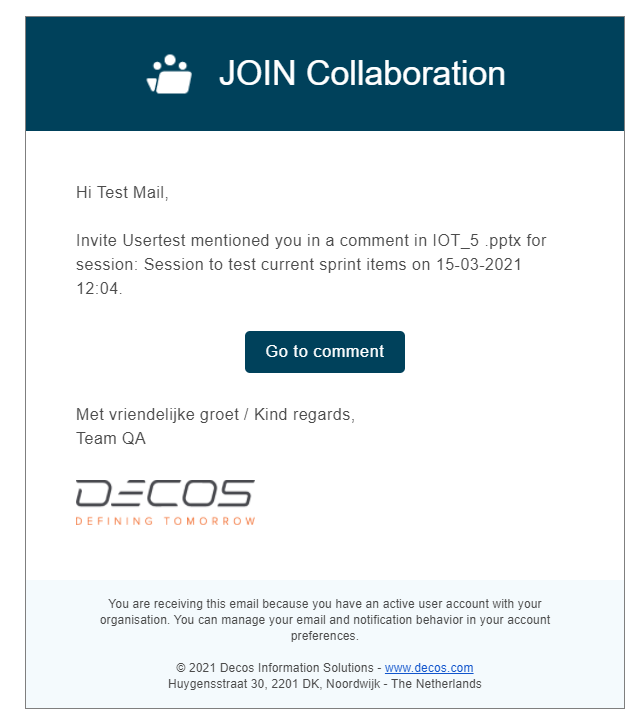
A notification is received by the user on being mentioned in a new comment or in a reply of a comment. For e.g, if user A is mentioned by user B in a comment, a notification is received by user A. On mention of @All , all the participants will receive the notification. The email notification is shown below. On click of ‘Go to comment’ button, the participant is taken to the comments page.
- Participant removed from a session
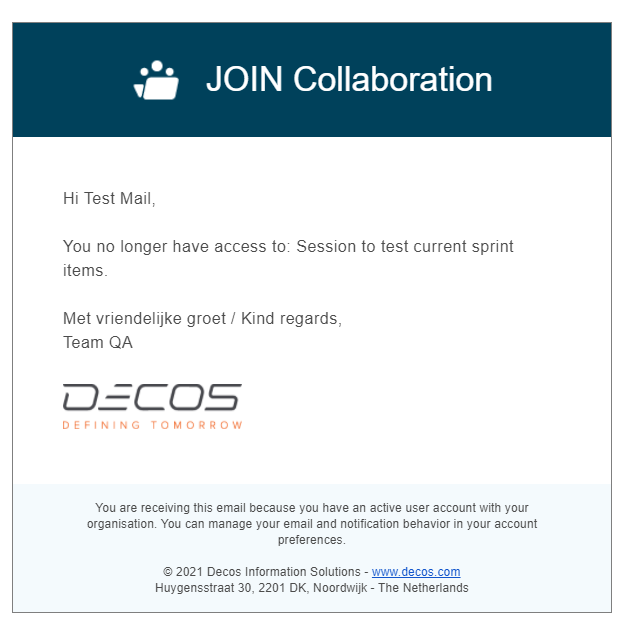
When any participant is removed from a session, notification is sent to the participant. The email notification is shown below.
Every notification has a kebab menu which has the following items ‘Mark as Read’, ‘Go to the file or session’ and ‘Delete Notification’.
-
Mark as Read
On click of this option, user can ensure that the notification is read by user. -
Go to the file or Session
This option will help the user to direct to the relevant files or session for that particular notification. -
Delete Notification
On click of this option, user can delete the notification. On delete the notification will no longer exist on the page
Features on this page includes:
Mark all as Read
On click of this button, it marks all the notifications as read.Once the notification is marked as read, the notification title is no more seen in bold.
Mark all as Unread
On click of this button, all the notifications are marked as Unread. Once the notification is marked as unread, the notification title is seen in bold.