¶ Manage Session
On click on the ‘Manage Session’ link on the summary page, user will get navigated to the Manage Session page.
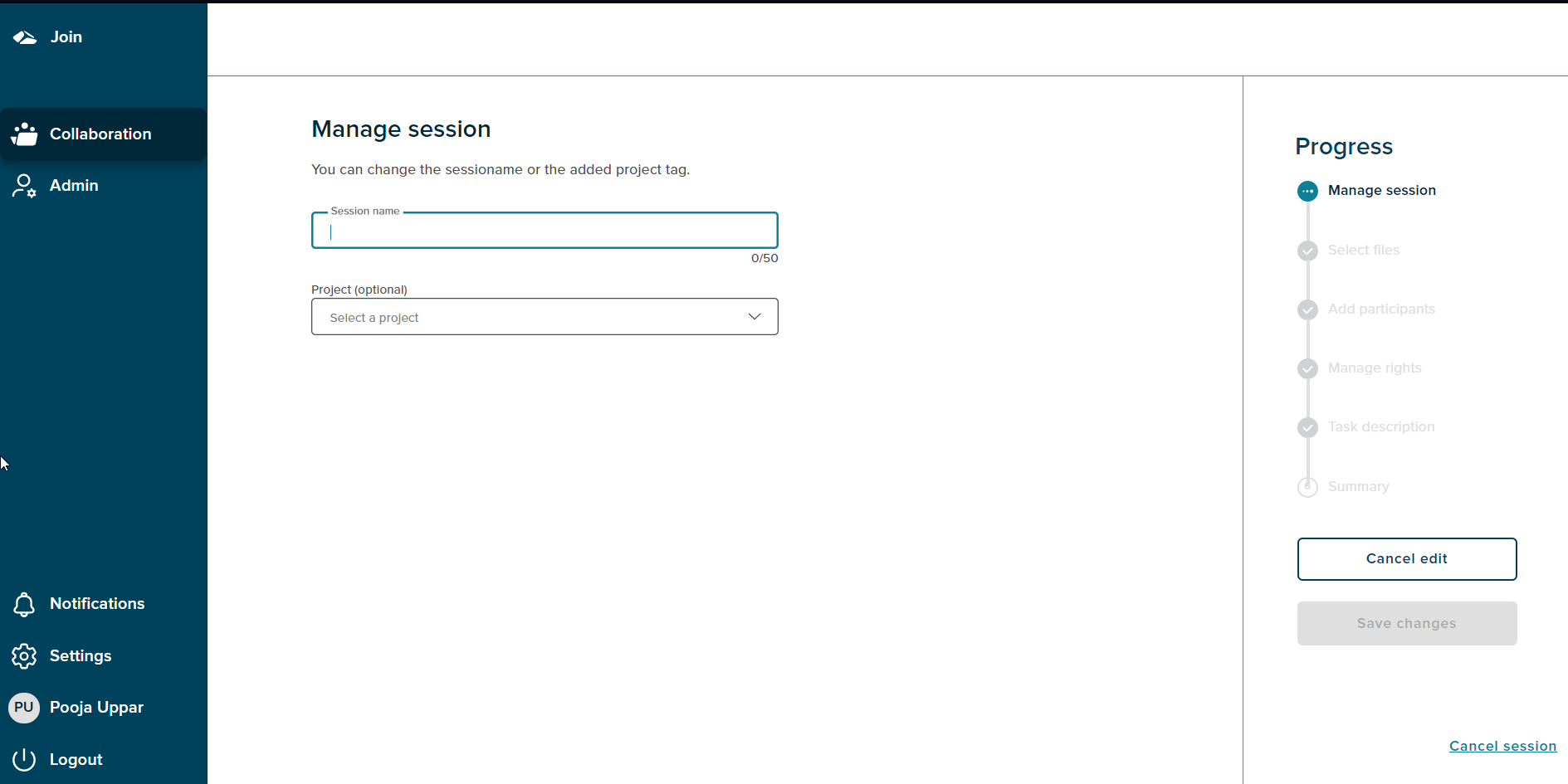
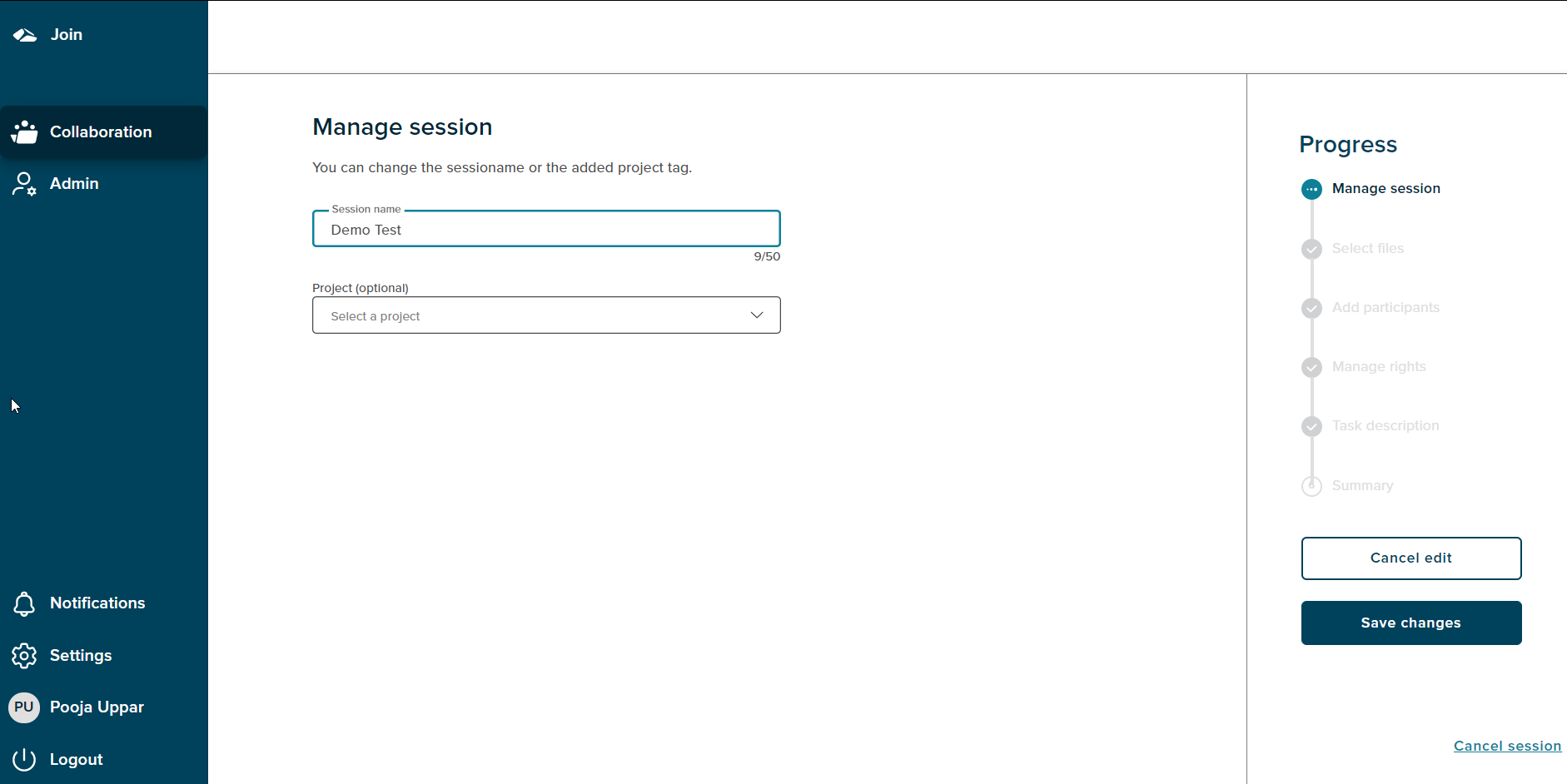
On the Manage Session page, User is able to edit the Session name and change the project. Once any of these changes are done, the ‘Save changes’ button gets enabled. On click of Save the changes are saved and are reflected in the ‘Created session’ section.
¶ Cancel Editing
User can click on ‘Cancel Edit’ option to cancel any changes done on the Manage Session page. On cancel user gets directed to the summary page