¶ Manage due date
The session initiator can edit the due date. On click of ‘Edit due date’ link a calendar is shown with the selected due date.
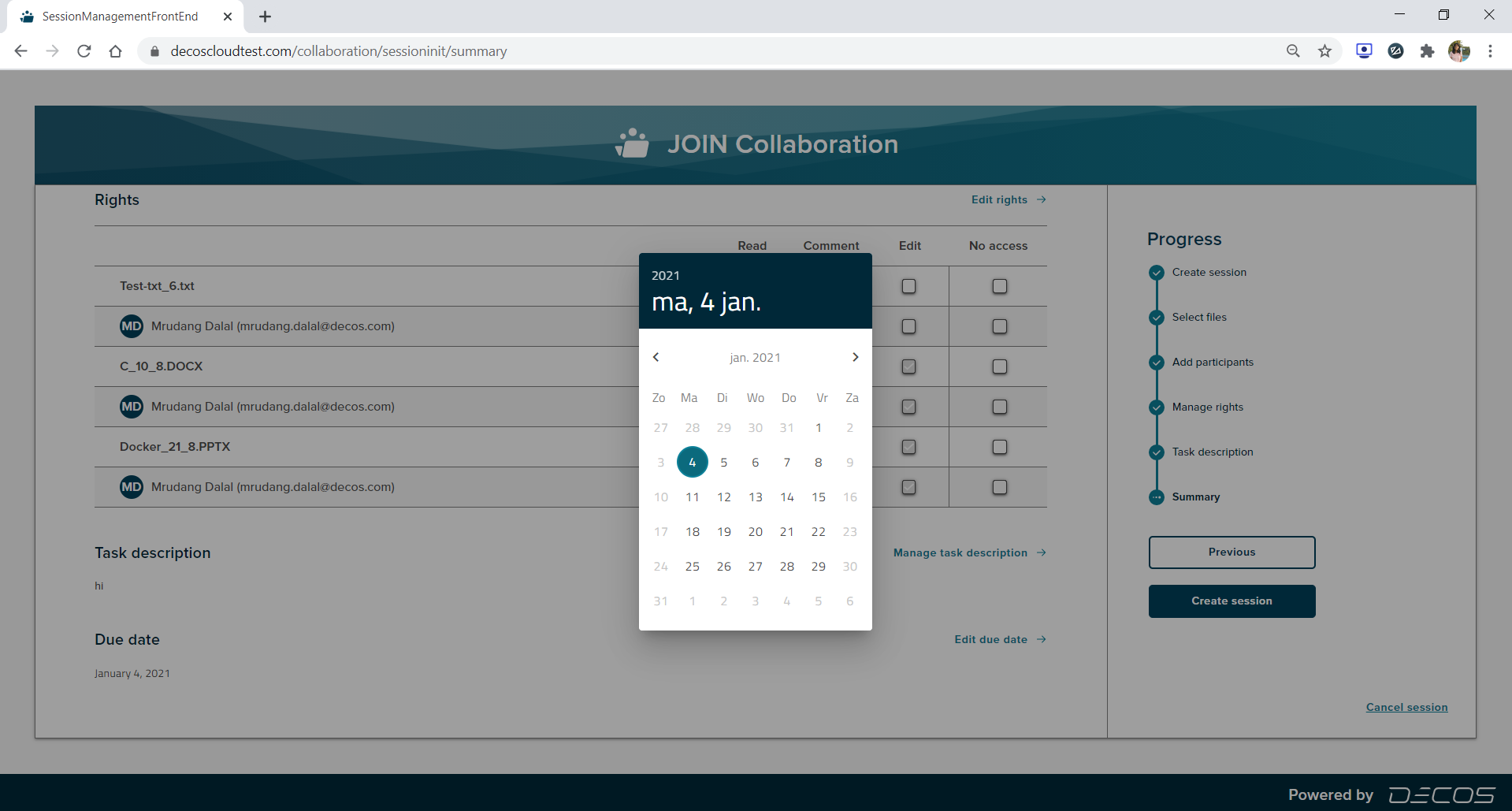
The session initiator can select any valid date, i.e. current date, future date. The past dates are not valid and cannot be selected.
On select of any date the date gets saved and changes are reflected on the summary page.
¶ Cancel Session
If a user wants to cancel the session,then the progress chart section has a ‘Cancel session’ link at the bottom right corner. On click of the ‘Cancel session’ link a popup will be shown.
There are two options on cancel, On Click of the ‘No,I’m not’ button,the popup gets dismissed.The popup has a close button (X) as well, on click of close button the popup gets dismissed. If user clicks on the ‘Yes,I’m sure’ button the session is cancelled and user gets navigated to the collaboration dashboard.