¶ Security
On this page, the Platform admin can manage the security preferences for the Tenant users. The Authentication 2FA(2 Factor authentication) type is displayed along with a toggle switch to enable or disable the settings.
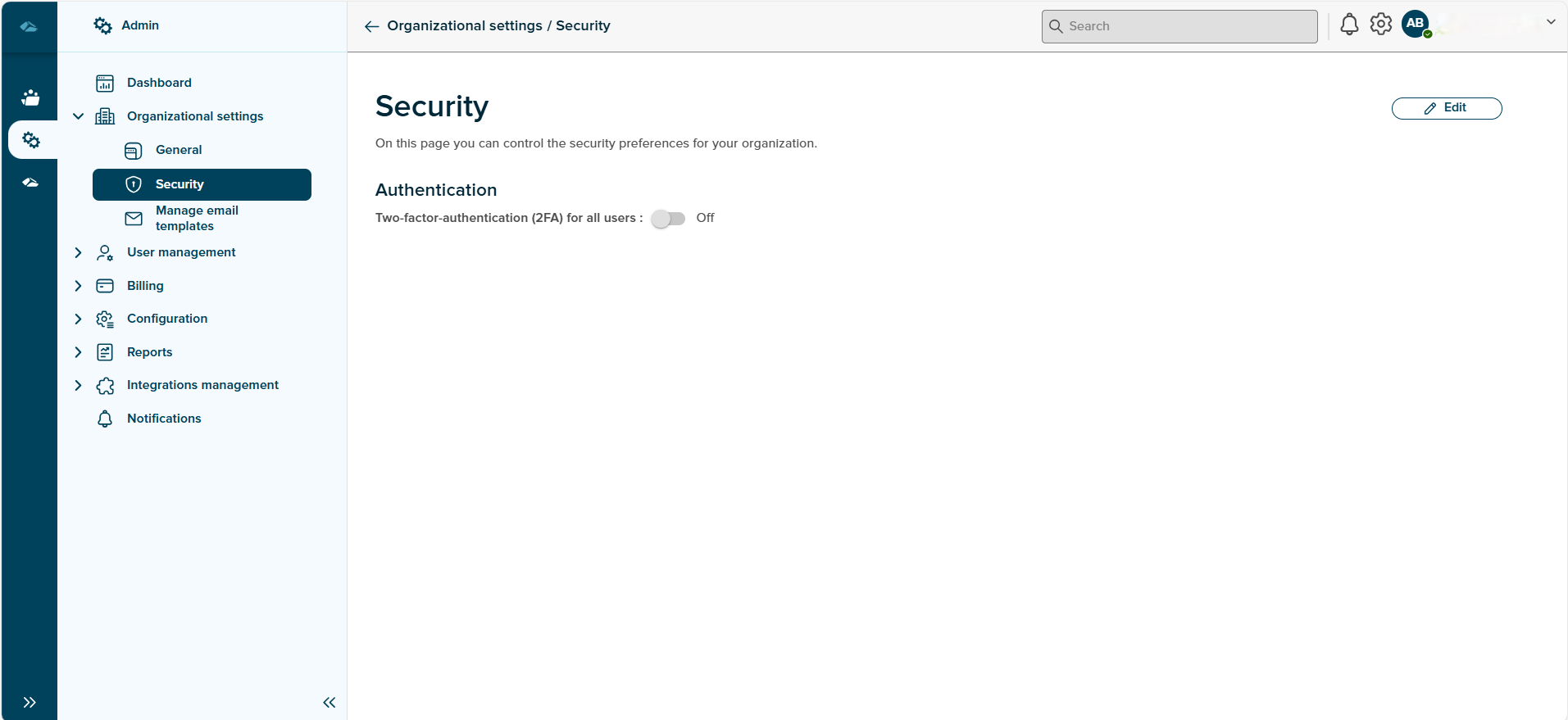
This can be done using the Edit button given on the page. Setting the switch to turn on enables the Save button. On click of the Save button, the changes are successfully saved and on click of the Cancel button the changes are reverted back.
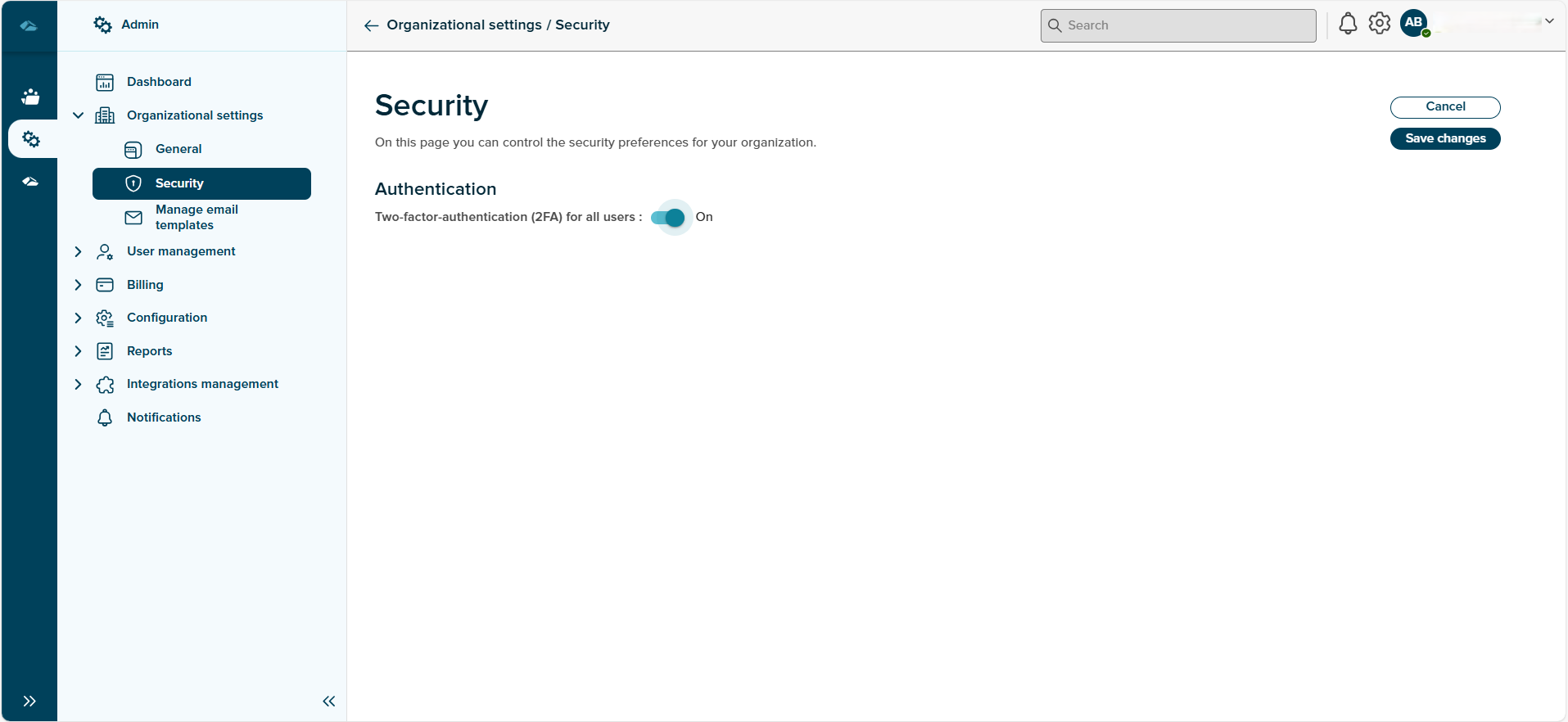
Turning this feature on depicts that the tenant user would require only ID and password to login whenever invited to an session. The 2FA screen will be not be shown to the invited users while login when this feature is turned on.